

Understanding HTTP Status Codes: A Simple Guide
Learn what HTTP status codes mean using everyday analogies like coffee shops and restaurants. No technical jargon required!
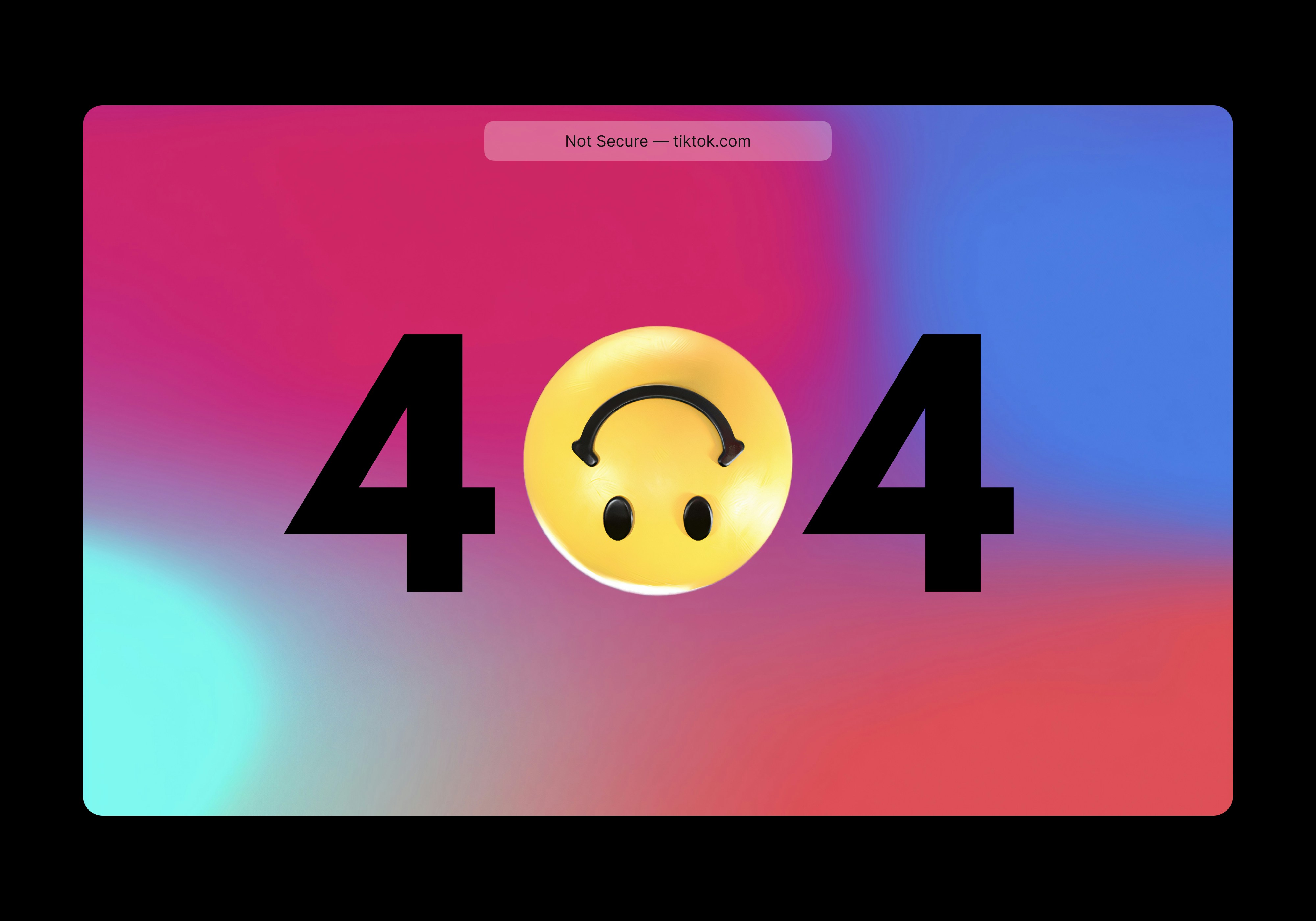
Ever clicked a link and seen “404 Not Found”? Or tried to visit a website during maintenance? Those messages are HTTP status codes—the internet’s way of telling you what happened with your request.
Think of them like reply slips in a conversation. When you ask a website for something (by typing a URL or clicking a link), the server responds with a three-digit code that says “Yes, here you go,” “That’s not here,” or “Oops, something broke.”
The Five Categories
HTTP status codes are grouped into five families, each starting with a different number:
1xx - Informational: “Hold on, I’m working on it”
These are rare and mostly invisible. They mean the server got your request and is still processing it. Like when you order food and the waiter says “Got it, your order is in!“
2xx - Success: “Here you go!”
Think of it like: Your favorite barista successfully making your coffee order.
200 OK - The most common code you’ll never see! Every time a webpage loads correctly, that’s a 200 happening behind the scenes. You ordered a coffee, the barista made it perfectly, and handed it to you. ✅
201 Created - You signed up for a new account, and boom—it’s created! Like ordering a custom cake that didn’t exist until you ordered it.
204 No Content - You deleted something (like a to-do item), and it’s gone. The action worked, but there’s nothing to show you—just a quick “Done!”
3xx - Redirection: “It’s over there now”
Think of it like: A store that moved to a new location and left a sign with the new address.
301 Moved Permanently - Your favorite coffee shop moved across the street forever. There’s a sign on the old door saying “We moved to 123 New Street!” Next time, you’ll go straight to the new place.
302 Found (Temporary Redirect) - During renovations, a sign says “We’ve temporarily moved two blocks away. We’ll be back soon!” You visit the temporary spot, but you know to check the original location later.
304 Not Modified - Like asking a friend “Any news?” and they reply, “Nope, same as yesterday.” What you already know is still current, so no need to update anything.
4xx - Client Error: “Something’s wrong with your request”
Think of it like: You asked for something unclear or impossible at a restaurant.
400 Bad Request - You mumbled your order so badly the barista couldn’t understand anything. “Sorry, can you repeat that more clearly?”
401 Unauthorized - You try to enter a members-only gym without showing your membership card. “Please show your ID first.”
403 Forbidden - You showed your gym ID, but it’s expired. The staff knows exactly who you are, but you’re not allowed in. “Sorry, your membership expired.”
404 Not Found - The famous one! You asked for a type of coffee the café has never made. “We don’t have that.” The page simply doesn’t exist. We’ve all seen this one!
422 Unprocessable Entity - Your order made sense grammatically, but it’s impossible. Like asking for “decaf espresso with extra caffeine.” The waiter understood every word, but it doesn’t make sense together.
429 Too Many Requests - You keep asking for more bread every 10 seconds at a restaurant. Finally, the manager says, “Slow down—give us a few minutes!”
5xx - Server Error: “We messed up”
Think of it like: The restaurant’s kitchen caught fire, and the chef can’t make anything right now.
500 Internal Server Error - Something catastrophic happened on the server. Like a kitchen fire—everything’s broken, but they can’t explain exactly what. This is bad and needs immediate fixing.
502 Bad Gateway - The restaurant ordered ingredients from a supplier, but the supplier’s truck broke down. The restaurant can’t make your food because of someone else’s problem.
503 Service Unavailable - The restaurant is closed for a private event. “Sorry, we’re not open right now, but check back at 8 PM.” This happens during website maintenance.
504 Gateway Timeout - The restaurant is waiting for the ingredient delivery, but it’s taking forever. After 30 minutes of waiting, they give up. The server timed out waiting for something it needed.
When You See These in Real Life
The 404 Error - The celebrity of status codes! When you click an old link from Google and land on “Page Not Found,” that’s a 404. The page was deleted or moved, and nobody updated the link.
The 503 During Maintenance - When you try to visit a website at 2 AM and see “Service Temporarily Unavailable” or “We’ll be back soon!”—that’s a 503. The owner took it down for updates.
The Invisible 301 - You don’t usually notice this one! When a company changes their website address, they set up a 301 redirect. You type the old URL and—poof!—you’re instantly on the new one. Magic!
The 200 Success - Every single time you successfully load a webpage, watch a YouTube video, or see Google search results—that’s a 200 response happening invisibly. It’s the “normal” you never notice.
Remember This Simple Rule
Here’s an easy way to remember what each category means:
| First Digit | Meaning | Analogy |
|---|---|---|
| 2xx | ✅ Great news! | Your order arrived perfectly |
| 3xx | ↪️ Look elsewhere | ”We moved—go here instead” |
| 4xx | ⚠️ You made a mistake | ”That doesn’t make sense” |
| 5xx | 💥 We made a mistake | ”Our kitchen is broken” |
Why This Matters
Understanding these codes helps you know who’s responsible when something goes wrong:
- 4xx errors? Double-check what you typed or clicked. The problem is on your end.
- 5xx errors? Not your fault! The website is broken. Try again later or contact support.
Next time you see a status code, you’ll know exactly what the internet is trying to tell you!
Building a website and need help with proper error handling? Get in touch with us and let’s make sure your users always know what’s happening.